 CapDrive
Rasakan setiap perjalanan
Kokpit modular, HUD kaca depan, telemetri OBD-II, dan replay perjalanan otomatis untuk iPhone.
Unduh di App Store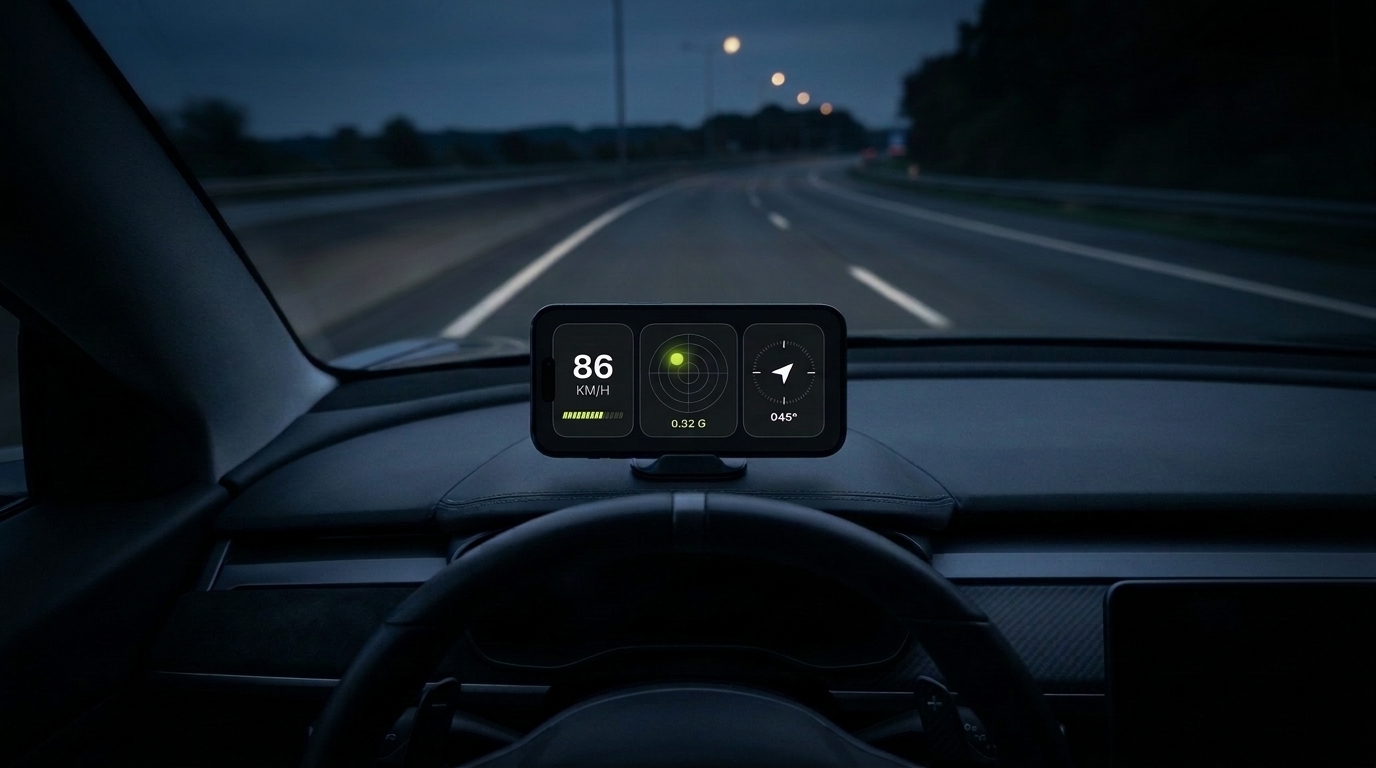
Kokpit instrumen modular
Susun hingga tiga kartu instrumen per halaman dalam potret atau lanskap. Mengenali orientasi otomatis saat berkendara tanpa tombol mulai.
-
Kecepatan Digital
-
Busur Kecepatan
-
Cakram G-Force
-
Batang G-Force
-
Kompas Arah
-
Aksi Berkendara
-
Sikap Kendaraan
-
Ketinggian
-
Ringkasan Rute
Aksi berkendara, 0–100 & skor
Mendeteksi akselerasi, pengereman, tikungan, drift, dan start keras otomatis—lengkap dengan puncak G, waktu 0–100 / 100–200 km/jam, dan skor 0–100.
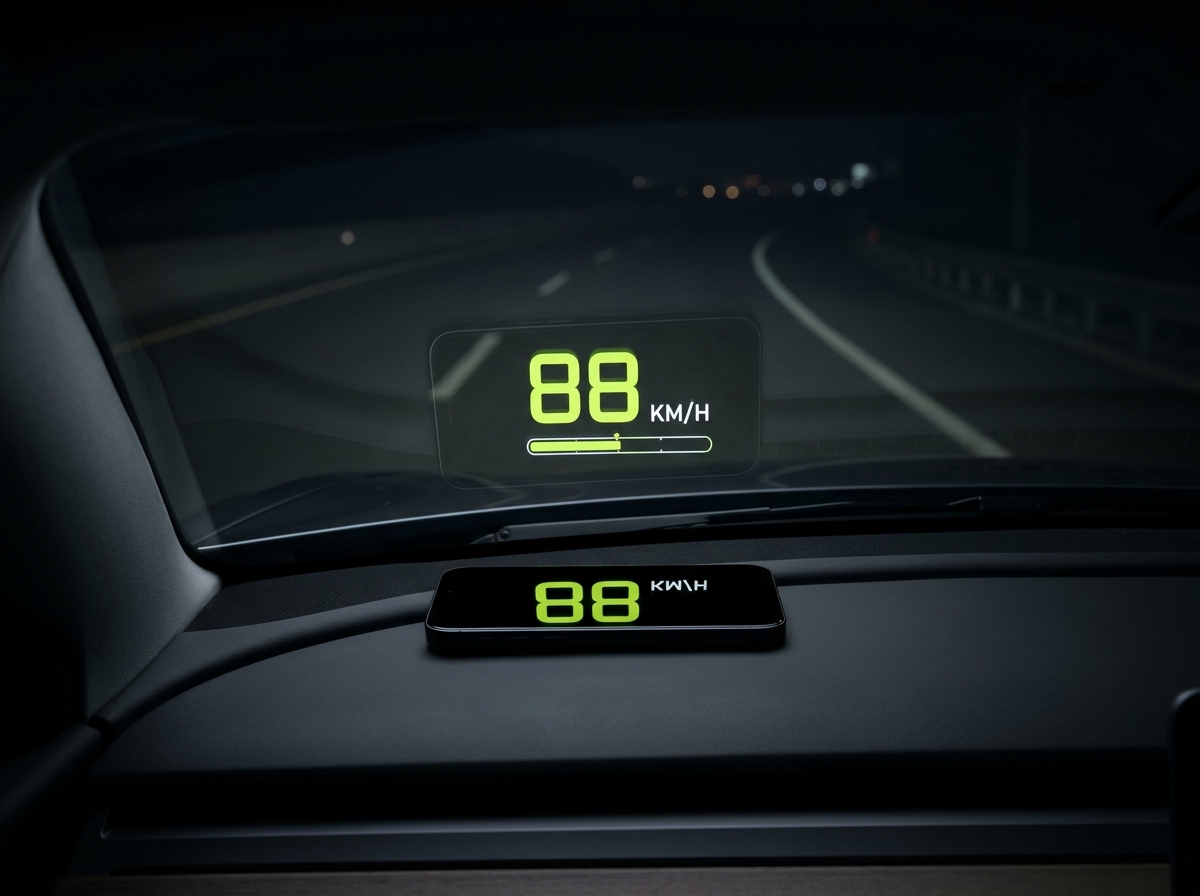
Mode HUD kaca depan
Beralih ke tampilan cermin hitam pekat dalam satu ketukan untuk proyeksi di kaca depan, dengan kecerahan maksimal dan opsi HDR boost.
BLE OBD-II & instrumen kustom JS/JSX
Hubungkan adaptor ELM327 BLE untuk RPM, suhu air, dan oli secara langsung. Buat atau impor instrumen .instrument dengan JavaScript dan JSX.
Replay otomatis & kartu berbagi
Merekam di latar belakang dengan tombol henti di Live Activity. Tinjau rute dan kejadian secara lokal, bagikan kartu, atau ekspor GPX, KML, GeoJSON.
Pertanyaan umum
Does CapDrive require an OBD-II adapter or extra hardware?
No. Mount your iPhone securely in a car mount and allow Precise Location. CapDrive uses built-in GPS and motion sensors for live speed, G-force, heading, driving events, and 0–100 km/h timing. Optional ELM327 BLE OBD-II adapters are supported with CapDrive Plus.
How does Windshield HUD mode work?
Tap the display mode button to flip the dashboard vertically on a pure-black background and place your iPhone flat on the dashboard to reflect speed and G-force onto the windshield, with optional max brightness and HDR boost.
What is free, and what does CapDrive Plus unlock?
Core instrument cards, HUD mode, automatic trip recording, route replay, share cards, and GPX/KML/GeoJSON export are free. CapDrive Plus (monthly subscription or one-time Lifetime unlock) unlocks every instrument style, full replay details, BLE OBD-II telemetry, and custom JS/JSX instruments.
Does CapDrive require an account or upload my trips?
No manual account registration is required. Trips are processed and stored locally on your iPhone and are never uploaded automatically unless you explicitly choose to send a feedback report.
Which route formats and custom instruments are supported?
Saved trips export to standard GPX, KML, and GeoJSON files as well as stylized JPEG share cards. With Plus, you can write or import custom .instrument gauges using JavaScript and JSX.
Gratis untuk mulai. Plus untuk lebih dalam.
Instrumen inti, HUD, rekaman otomatis, replay rute, kartu berbagi, dan ekspor GPX/KML/GeoJSON gratis tanpa akun. Plus membuka semua gaya, detail replay penuh, OBD-II, dan instrumen kustom.
Unduh di App Store