 CapDrive
Siente cada trayecto
Panel modular, HUD para parabrisas, telemetría OBD-II y replay automático para iPhone.
Descargar en App Store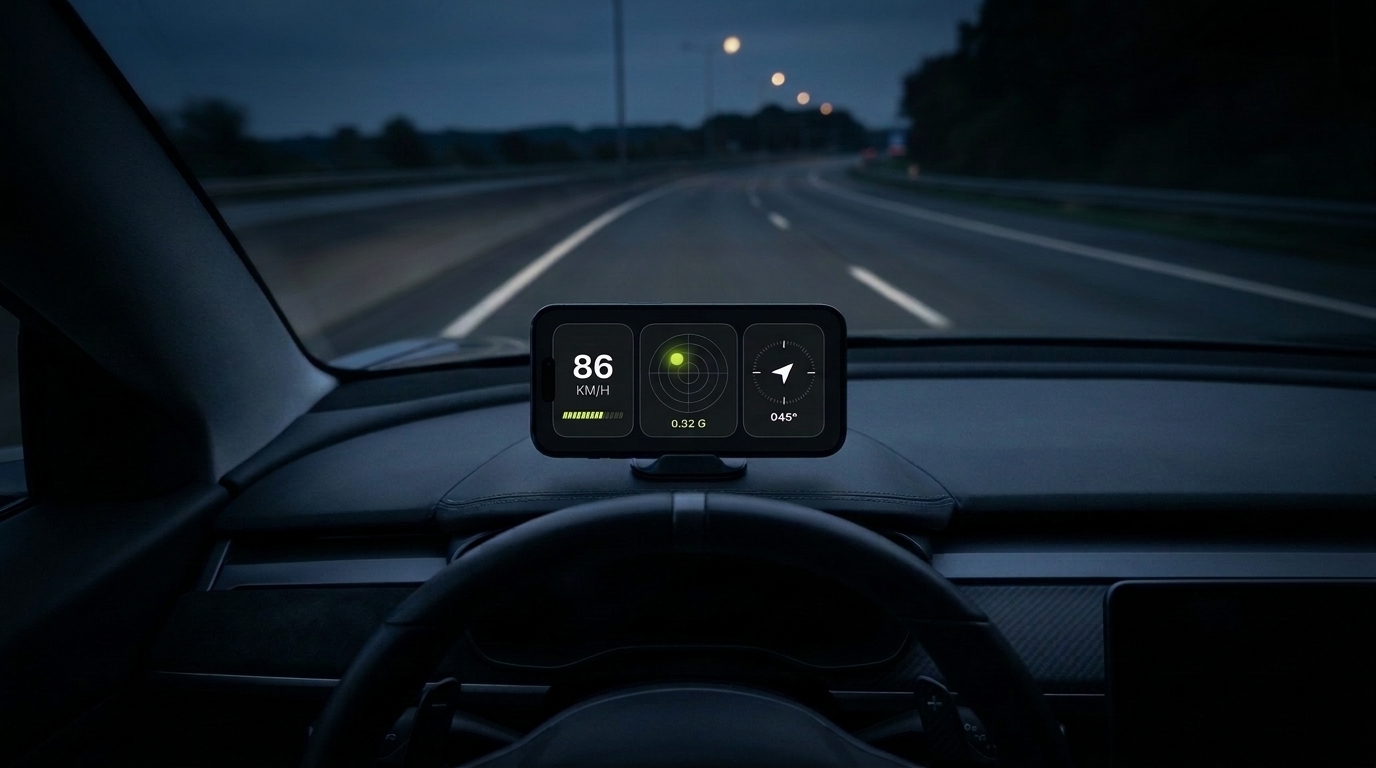
Panel modular de instrumentos
Combina hasta tres tarjetas por página en vertical u horizontal. Reconoce la orientación al conducir sin pulsar inicio.
-
Velocidad digital
-
Arco de velocidad
-
Disco G
-
Barras G
-
Brújula
-
Eventos
-
Actitud
-
Altitud
-
Resumen
Eventos, crono 0–100 y puntuación
Detecta aceleración, frenada, giros, derrape y salidas fuertes con pico G, tiempos 0–100 / 100–200 km/h y puntuación 0–100.
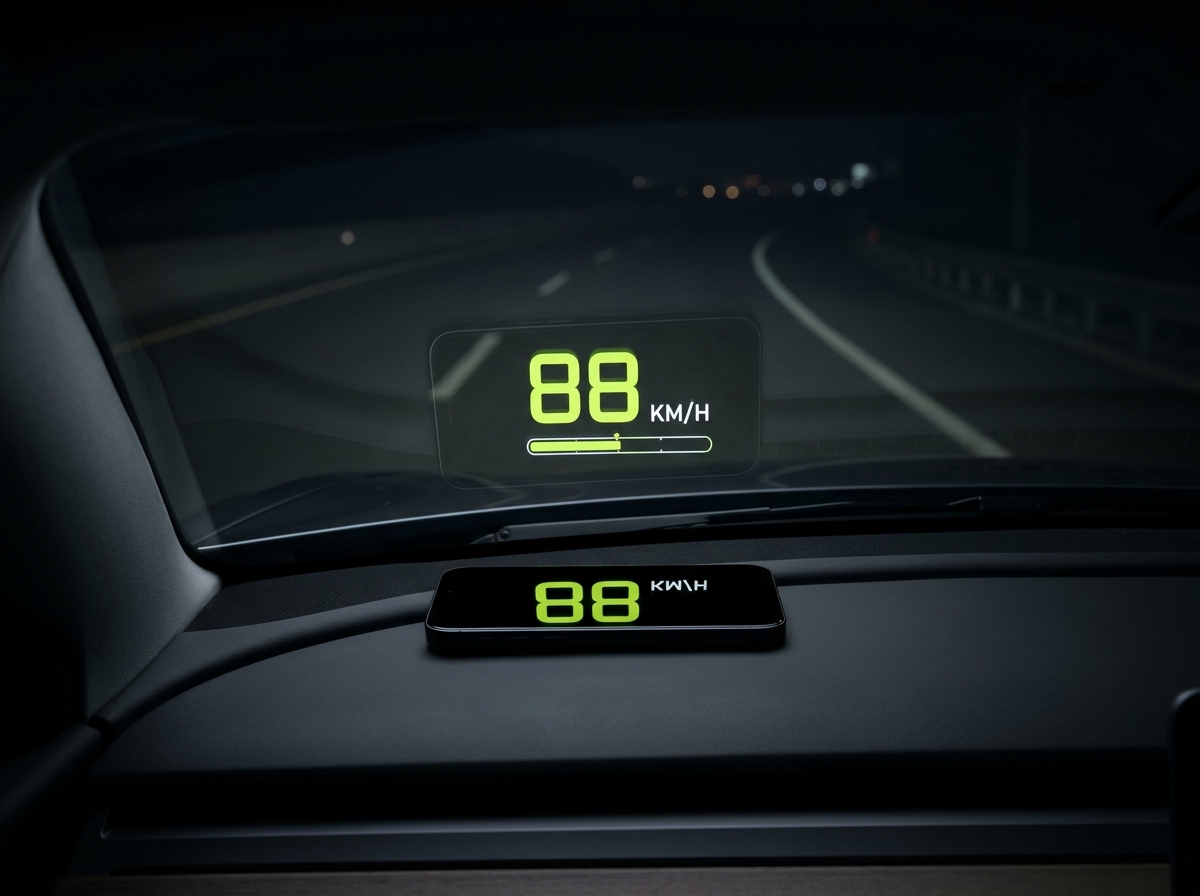
Modo HUD en parabrisas
Invierte el panel sobre fondo negro puro con un toque para proyectarlo en el parabrisas, con brillo máximo y refuerzo HDR opcional.
OBD-II BLE e indicadores JS/JSX
Conecta adaptadores ELM327 BLE compatibles para ver RPM, refrigerante y aceite. Crea o importa archivos .instrument en JavaScript y JSX.
Replay automático y tarjetas para compartir
Graba en segundo plano con parada rápida en Actividad en vivo. Revisa rutas y eventos en tu iPhone, comparte tarjetas o exporta GPX, KML y GeoJSON.
Preguntas frecuentes
Does CapDrive require an OBD-II adapter or extra hardware?
No. Mount your iPhone securely in a car mount and allow Precise Location. CapDrive uses built-in GPS and motion sensors for live speed, G-force, heading, driving events, and 0–100 km/h timing. Optional ELM327 BLE OBD-II adapters are supported with CapDrive Plus.
How does Windshield HUD mode work?
Tap the display mode button to flip the dashboard vertically on a pure-black background and place your iPhone flat on the dashboard to reflect speed and G-force onto the windshield, with optional max brightness and HDR boost.
What is free, and what does CapDrive Plus unlock?
Core instrument cards, HUD mode, automatic trip recording, route replay, share cards, and GPX/KML/GeoJSON export are free. CapDrive Plus (monthly subscription or one-time Lifetime unlock) unlocks every instrument style, full replay details, BLE OBD-II telemetry, and custom JS/JSX instruments.
Does CapDrive require an account or upload my trips?
No manual account registration is required. Trips are processed and stored locally on your iPhone and are never uploaded automatically unless you explicitly choose to send a feedback report.
Which route formats and custom instruments are supported?
Saved trips export to standard GPX, KML, and GeoJSON files as well as stylized JPEG share cards. With Plus, you can write or import custom .instrument gauges using JavaScript and JSX.
Gratis para conducir. Plus para llegar más lejos.
Instrumentos básicos, HUD, grabación automática, revisión de ruta, tarjetas y exportación GPX/KML/GeoJSON gratis sin registro. Plus desbloquea todos los estilos, detalles de replay, OBD-II e indicadores propios.
Descargar en App Store