 CapDrive
Ressentez chaque trajet
Cockpit modulaire, HUD pare-brise, télémétrie OBD-II et replay automatique pour iPhone.
Télécharger sur l'App Store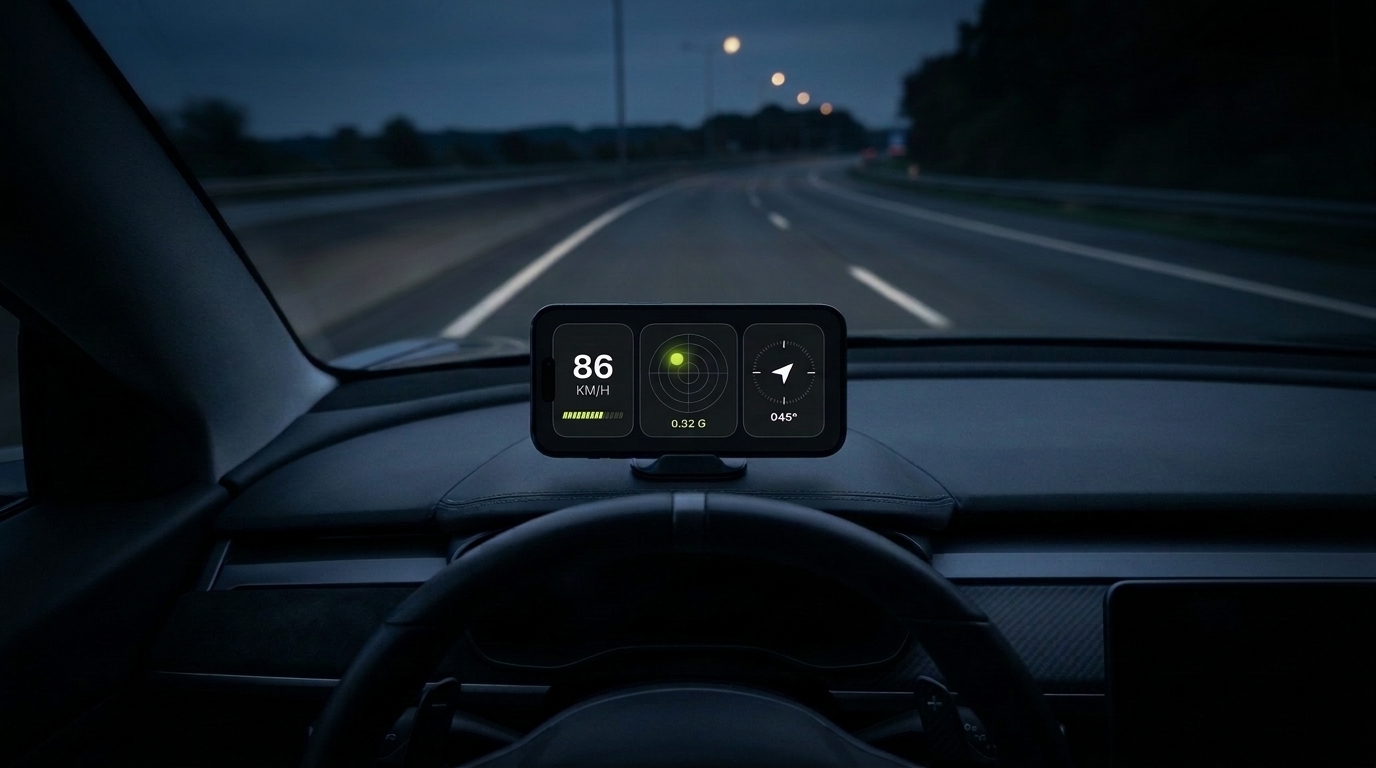
Cockpit d'instruments modulaire
Disposez jusqu'à trois cartes par page en portrait ou paysage. Détecte l'orientation en roulant, sans bouton démarrer.
-
Vitesse numérique
-
Arc de vitesse
-
Disque G
-
Barres G
-
Compas
-
Événements
-
Assiette
-
Altitude
-
Résumé
Actions, chrono 0–100 et score
Détecte accélérations, freinages, virages, drifts et départs arrêtés avec pic G, chronos 0–100 / 100–200 km/h et score sur 100.
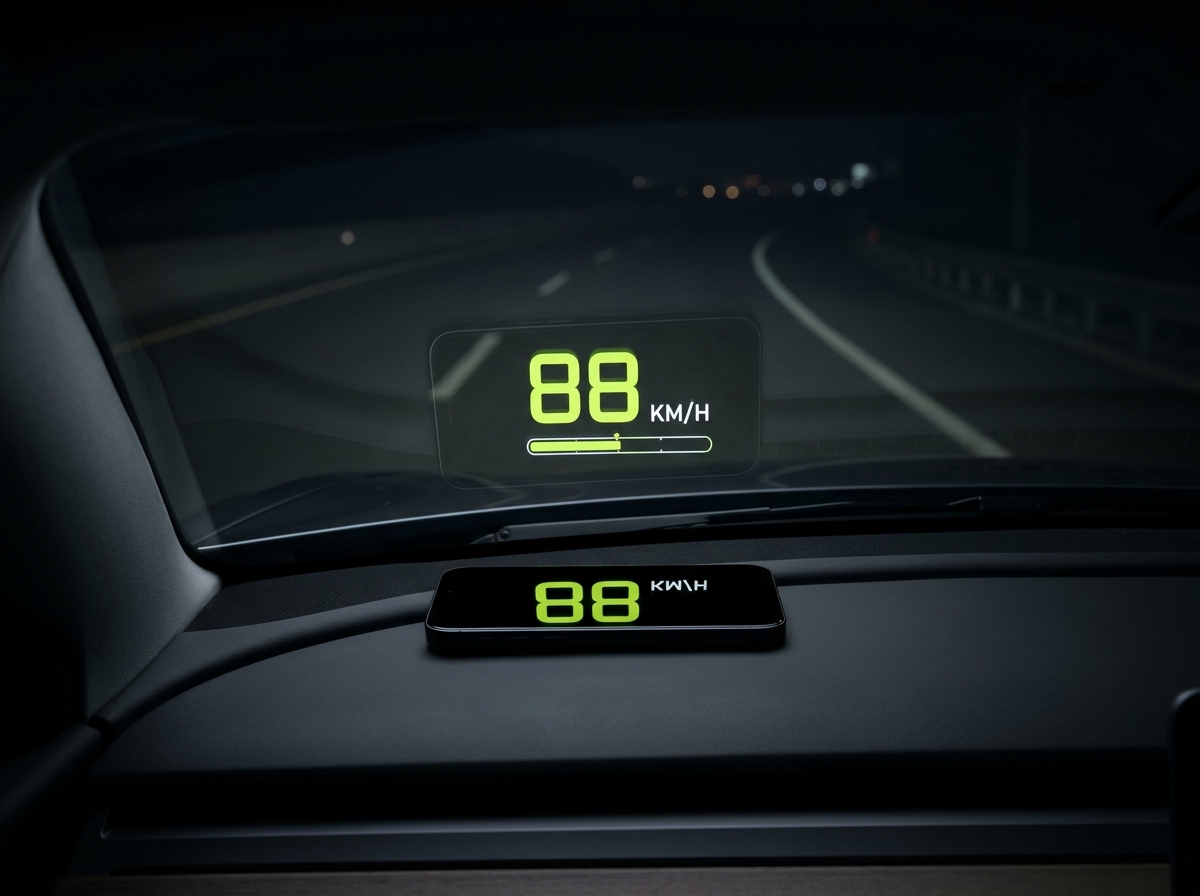
Mode HUD pare-brise
Basculez en un geste vers un affichage miroir noir pur sur le pare-brise, avec luminosité maximale et boost HDR en option.
OBD-II BLE & jauges JS/JSX
Connectez un adaptateur ELM327 BLE pour lire régime moteur, eau et huile. Créez ou importez vos instruments .instrument en JavaScript et JSX.
Replay automatique & cartes à partager
Enregistre en arrière-plan avec arrêt via Activité en direct. Revivez tracés et événements en local, partagez vos cartes ou exportez en GPX, KML et GeoJSON.
Questions fréquentes
Does CapDrive require an OBD-II adapter or extra hardware?
No. Mount your iPhone securely in a car mount and allow Precise Location. CapDrive uses built-in GPS and motion sensors for live speed, G-force, heading, driving events, and 0–100 km/h timing. Optional ELM327 BLE OBD-II adapters are supported with CapDrive Plus.
How does Windshield HUD mode work?
Tap the display mode button to flip the dashboard vertically on a pure-black background and place your iPhone flat on the dashboard to reflect speed and G-force onto the windshield, with optional max brightness and HDR boost.
What is free, and what does CapDrive Plus unlock?
Core instrument cards, HUD mode, automatic trip recording, route replay, share cards, and GPX/KML/GeoJSON export are free. CapDrive Plus (monthly subscription or one-time Lifetime unlock) unlocks every instrument style, full replay details, BLE OBD-II telemetry, and custom JS/JSX instruments.
Does CapDrive require an account or upload my trips?
No manual account registration is required. Trips are processed and stored locally on your iPhone and are never uploaded automatically unless you explicitly choose to send a feedback report.
Which route formats and custom instruments are supported?
Saved trips export to standard GPX, KML, and GeoJSON files as well as stylized JPEG share cards. With Plus, you can write or import custom .instrument gauges using JavaScript and JSX.
Gratuit pour conduire. Plus pour aller plus loin.
Instruments essentiels, HUD, enregistrement auto, replay de tracé, cartes de partage et export GPX/KML/GeoJSON gratuits sans inscription. Plus débloque tous les styles, détails de replay, OBD-II et jauges personnalisées.
Télécharger sur l'App Store